01
WAYFOLIO
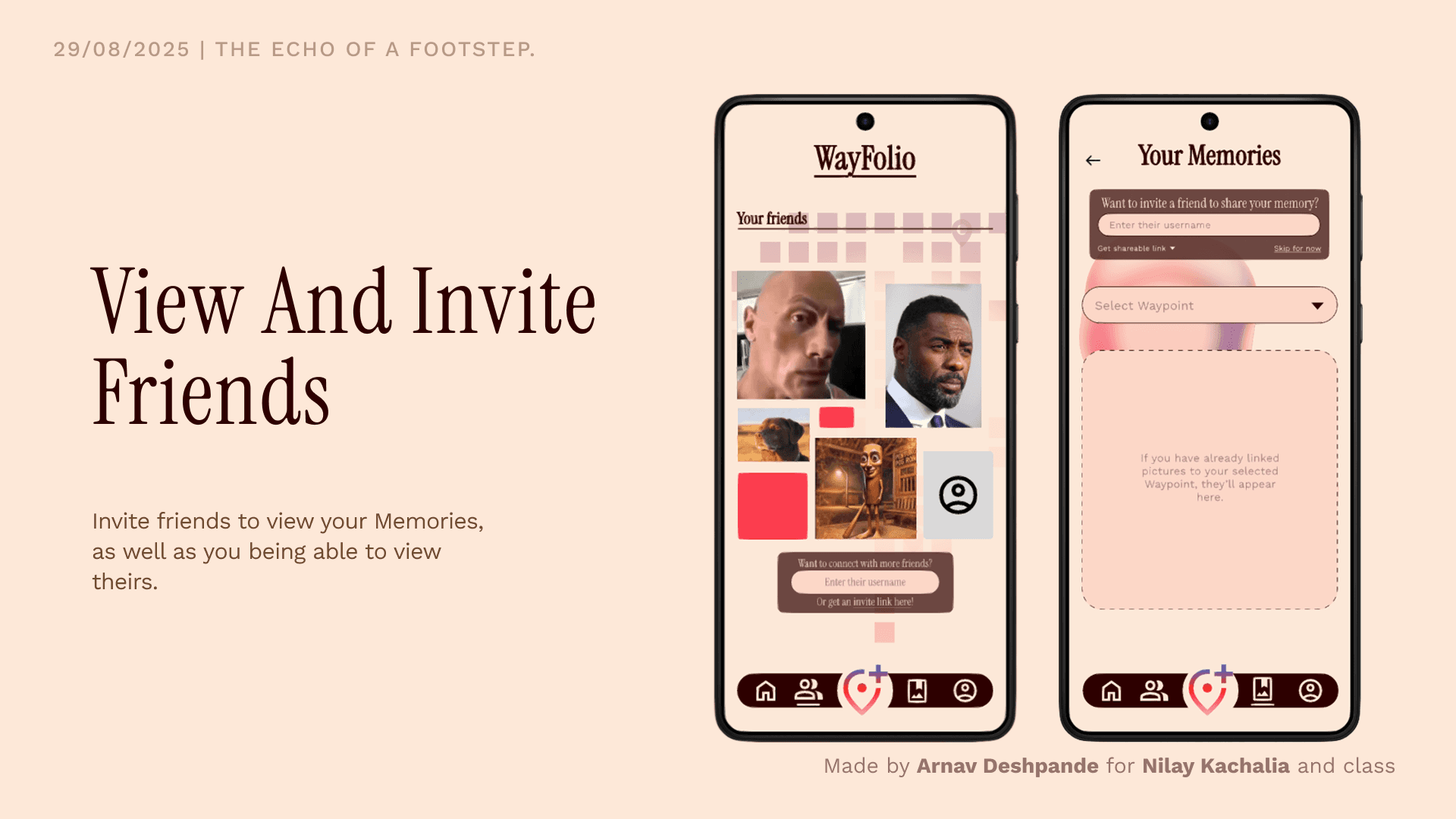
The app for travelers
02
INTRODUCTION
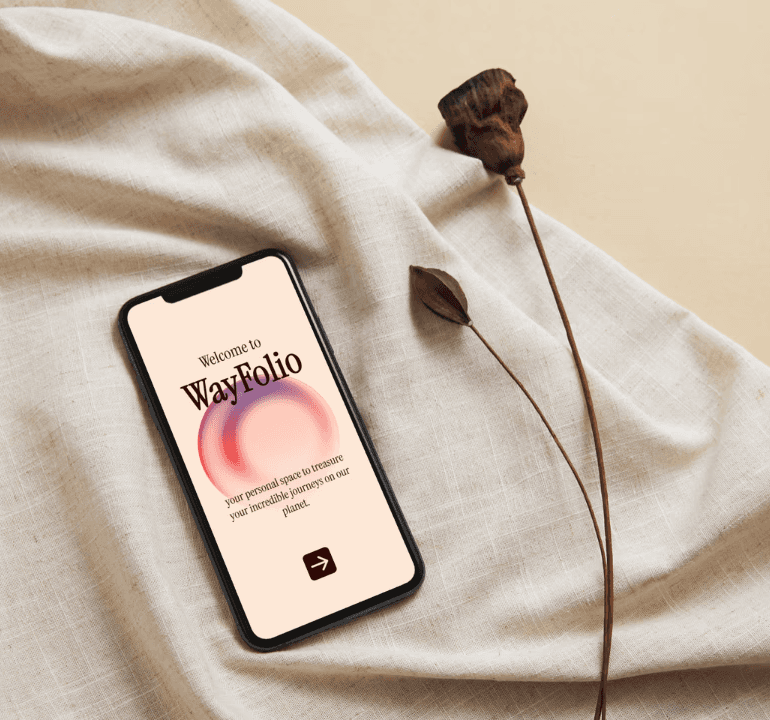
Wayfolio helps modern explorers and travelling enthusiasts who want to capture their unique personal journey by curating their most meaningful experiences and creating a map of their journey.
Category: UX/UI and Design
Project Duration: 2 weeks
Team Size: (Academic) Solo project
My Role:
Conducted user interviews and secondary research
Built wireframes and high-fidelity prototypes.
Made the UI and visual design of the prototype.
Conducted usability tests with medium and high fidelity versions.
03
CONTEXT
With travelling come lots of photos taken at various points, to preserve memories. But where do these photos end up? In phone galleries or social media posts, ending up lost in an endless feed mixed with other screenshots and memes.
These collections can end up feeling impersonal, and they don't reflect the true journey, the path that you took.
WayFolio aims to help solve these problems by helping travelers capture their journeys as they happen, creating unique, personal recollections of their journeys.
04
UNDERSTANDING_USERS
RESEARCH OBJECTIVE
The aim of this project was to research a single user in depth and build a prototype tailored to insights gathered from them. The focal point of the research was to find out the value that the user derived from a childhood toy and digitally transform it into an app.
RESEARCH METHOD
The research was conducted entirely through a one-on-one interview with the user. The conversation was centered around finding out about the history that the user shared with his childhood toy, how he interacted with it and what he felt, and what task/goal it helped him achieve. Then, it moved on to how he fulfils these goals currently.
The User
Name: M
Age: 18

M is a college student who values connection to the past. His connection with the toy is very emotional, as he has been fascinated by Iron Man since childhood. It also reminds him of a family member. One way to remain connected with the past for him is through his hobby of collections (such as his collection of consumer gadgets).
The Toy
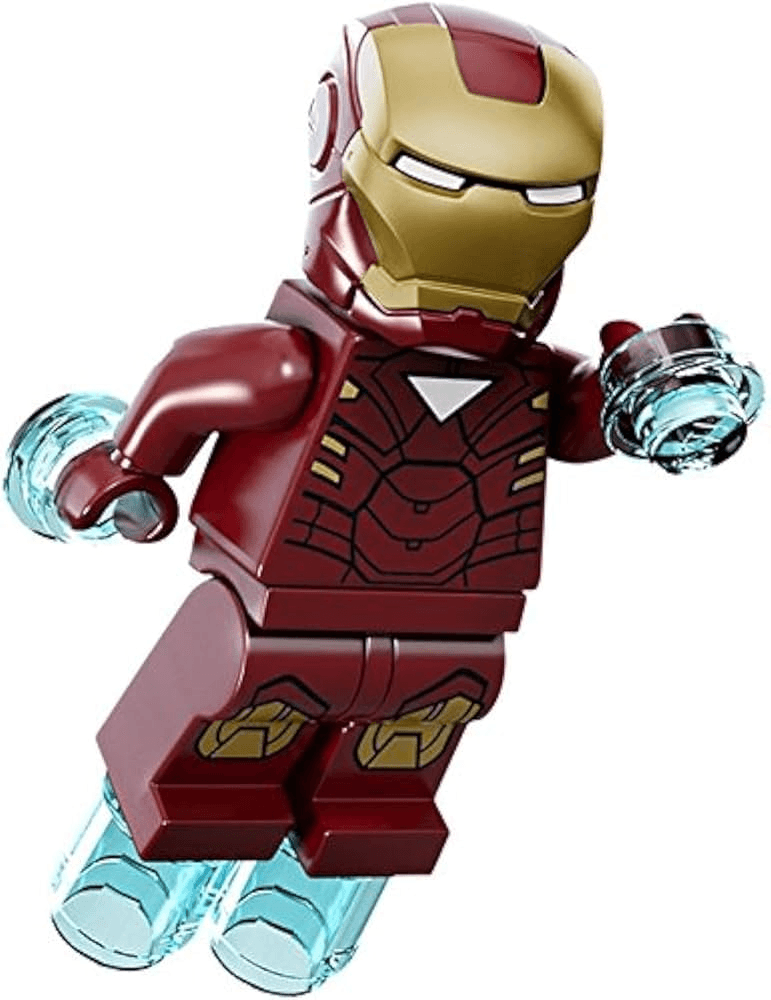
Lego Iron Man figurine.
This is NOT an original image of the toy the user M owns, but the closest reference.
Liking something that is associated with the item instead of the item itself
Keeping the memory alive
Sense of belonging
Close friends & people who understand will see the collection.
The past is important.
As long as past is relevant, collection remains.
Good motivation and memories associated with object make it go into the collection.
Connection to a memory in real life.
MAP OF IMPORTANT POINTS FROM USER INTERVIEW
I then tried to come up with a few different scenarios that were notably different from the context of a toy figure, where I could transpose the values I got from the interview. I landed on a scenario where I could make most use of the values specifically talking about collections, memories in real life and the connection with the past: saving memories of a travel.
Saving memories of a travel are important to maintain a connection with the past.
To keep the memory alive, it needs to be more engaging than simple photo dumps in galleries or social media.
Close friends and those who would understand the user personally would be able to see his collection, ensuring that the collection stays personal.
Thus, I framed the following value proposition statement:
Our app/website helps modern explorers and travelling enthusiasts who want to capture their unique personal journey by curating their most meaningful experiences and creating a map of their journey (unlike chronological photo dumps that lack a personal narrative).
05
BUILDING_THE_PRODUCT
Before starting to build the product, I created a user journey map for the user, from the point of view as a new joiner on the app:
Stage
Pre-discovery
Friction
Discovery
Action
Post-Action
User Action
Go on a trip, click pictures, have great moments.
Regular clicks aren't enough, and social media feels disorganized.
User finds my app via ads/friends or app store, installs it, goes through features.
Creates first trip "memory" on the app after the trip by inputting media, writing notes, etc.
Adds a friend who was also there on the trip to the memory.
Thoughts
"I need to save these moments to reminisce later!"
"I wish there was a way I could preserve the memory as best as I could, along with what made it important!"
"This might be what I need! I can organize and personalize as I wish!"
"I want to get started organizing, so I can find it among others."
"I want my buddy to add their photos and videos too!"
Feelings
Joy, excitement, anticipation
Disappointment, frustration
Hope, curiosity
Satisfaction, happiness
Sharing, urgency
Potential Pain Points
Inability to connect with the memory, difficulty finding photos in disorganization
Navigating as a first time user
Marking location of photos, media input
Finding contact, inviting friend
My initial idea and vision for this application was for it to be a desktop application. Users were intended to use it after their trips, so they could sit and organize/customize their "memories" at peace. It was at this stage that I built medium fidelity wireframes, with which I also conducted usability testing:
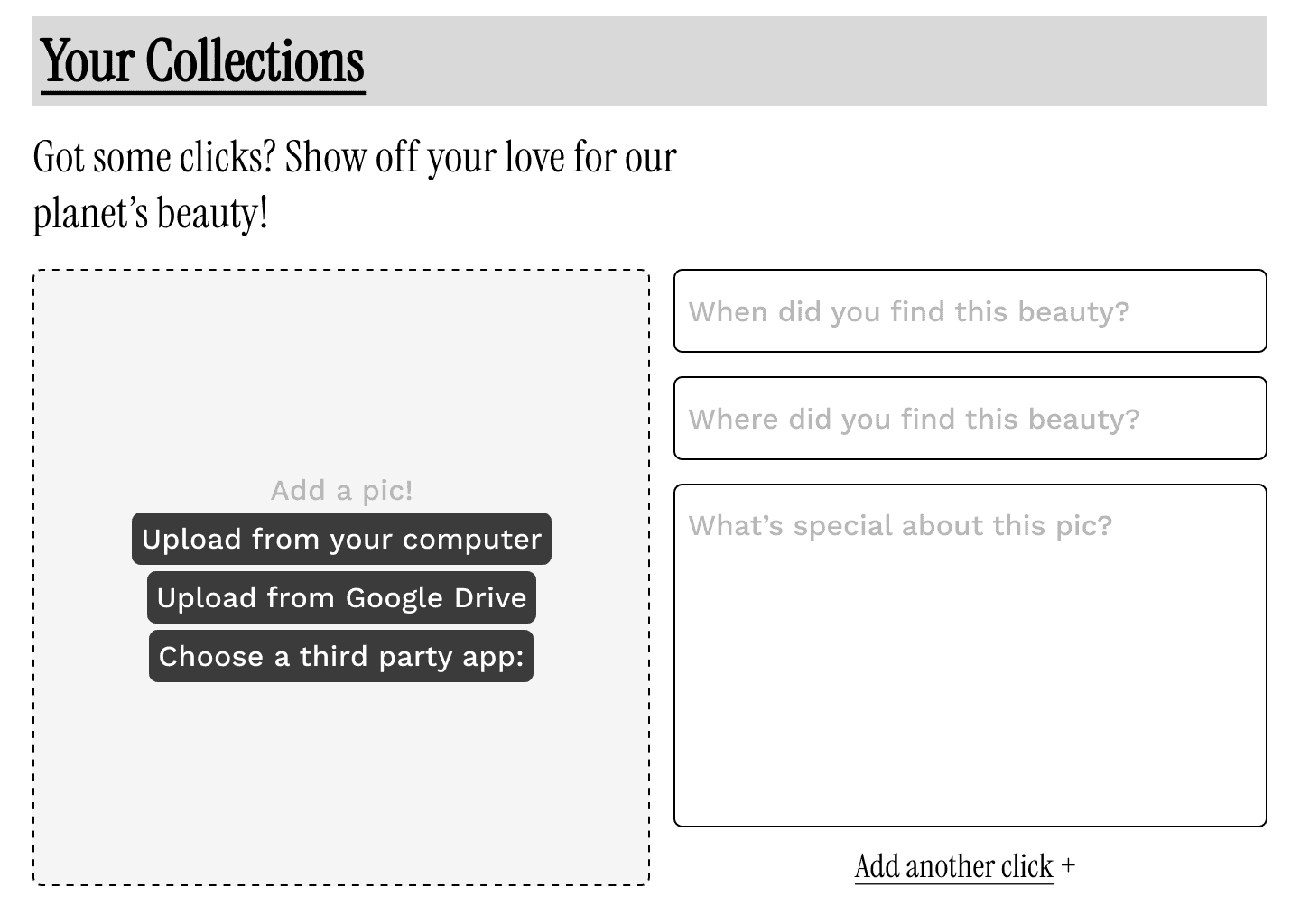
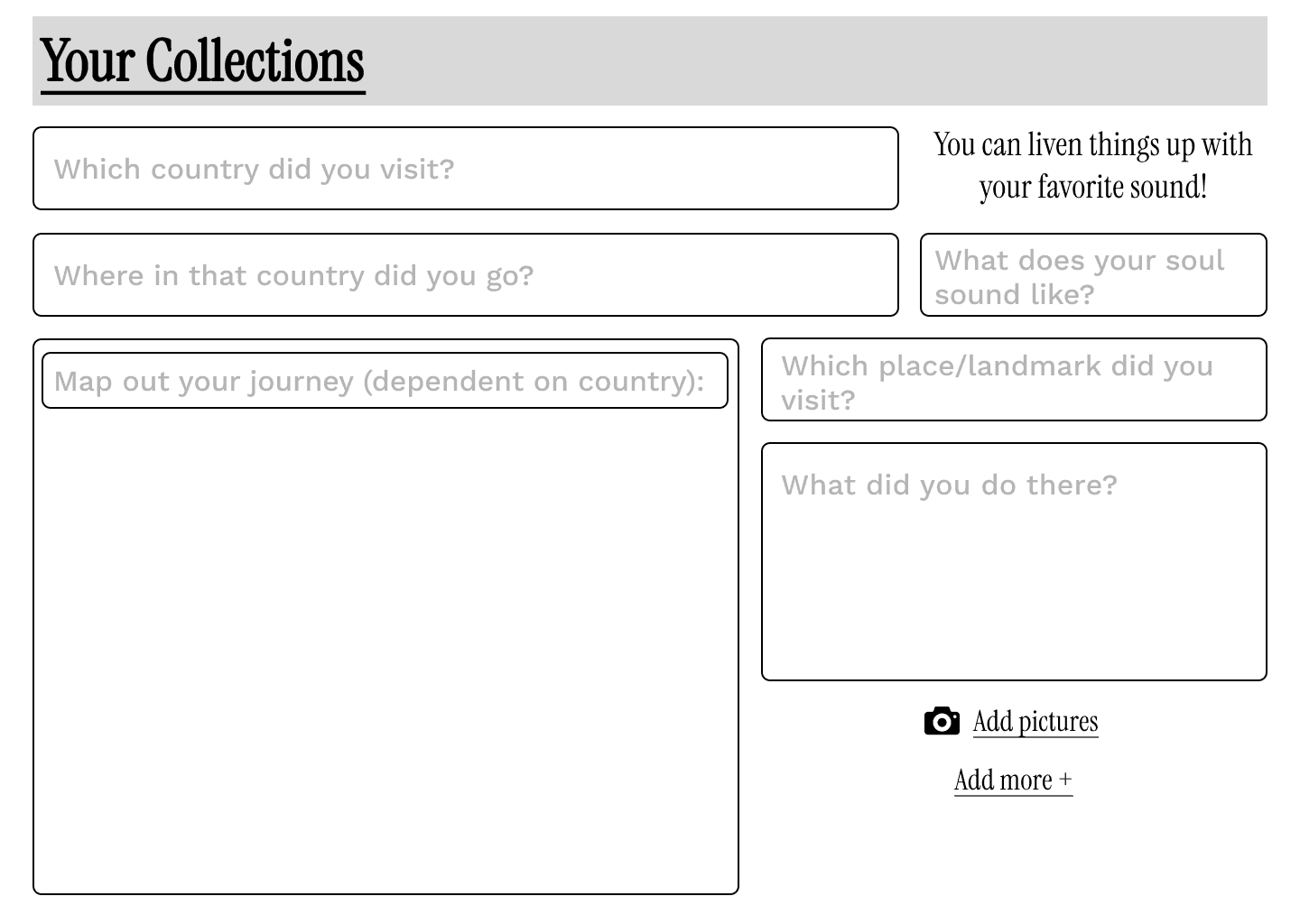
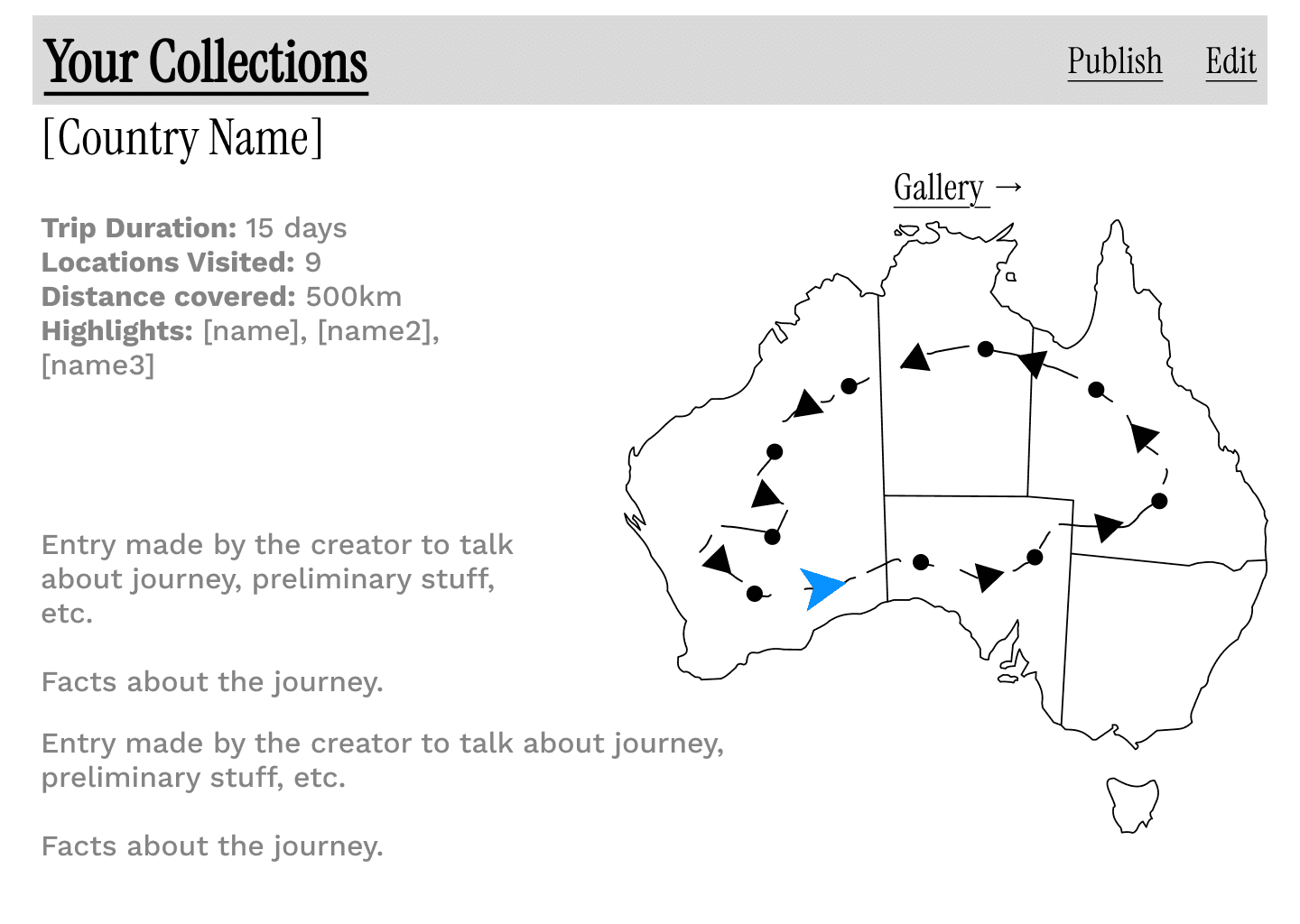
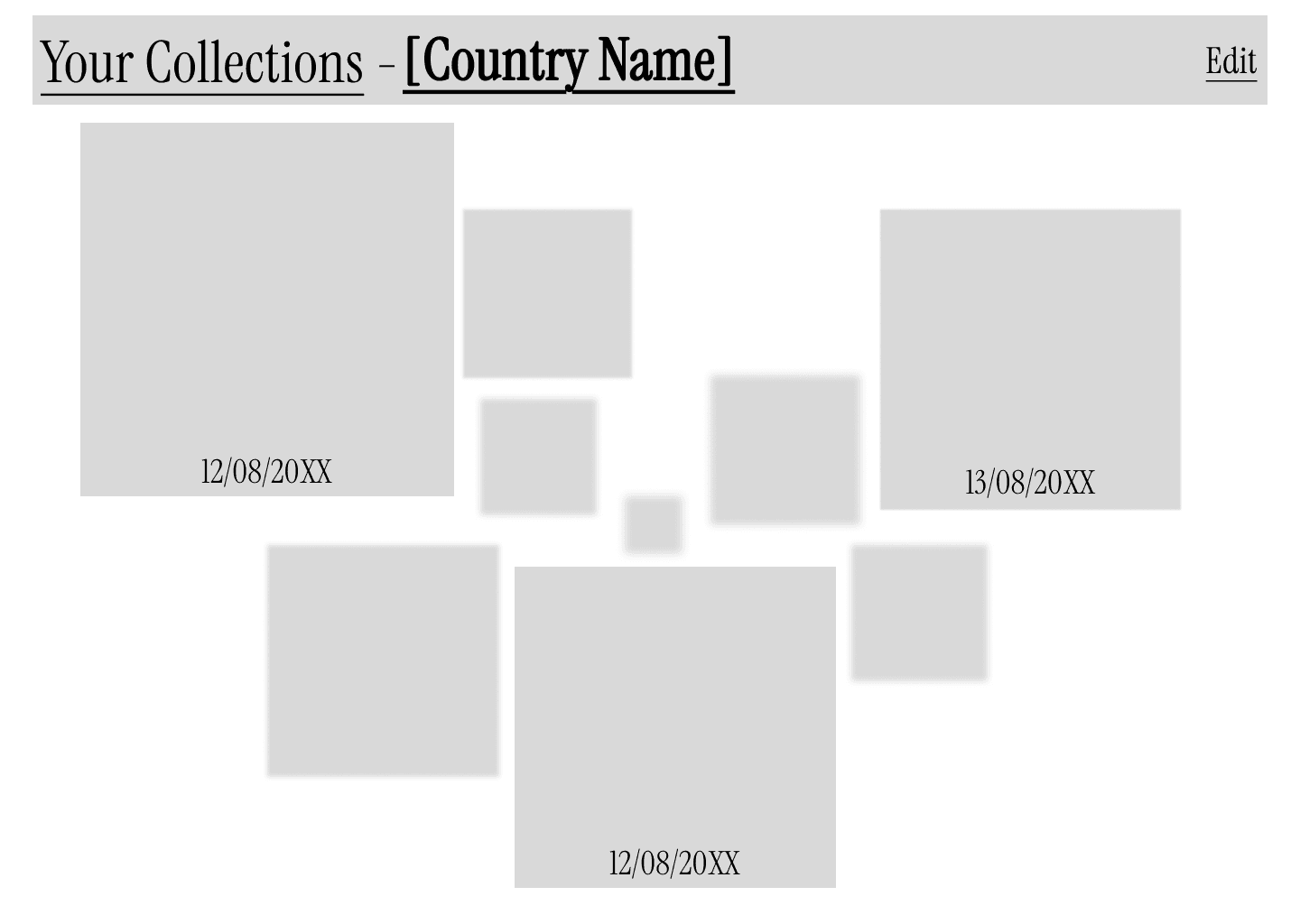
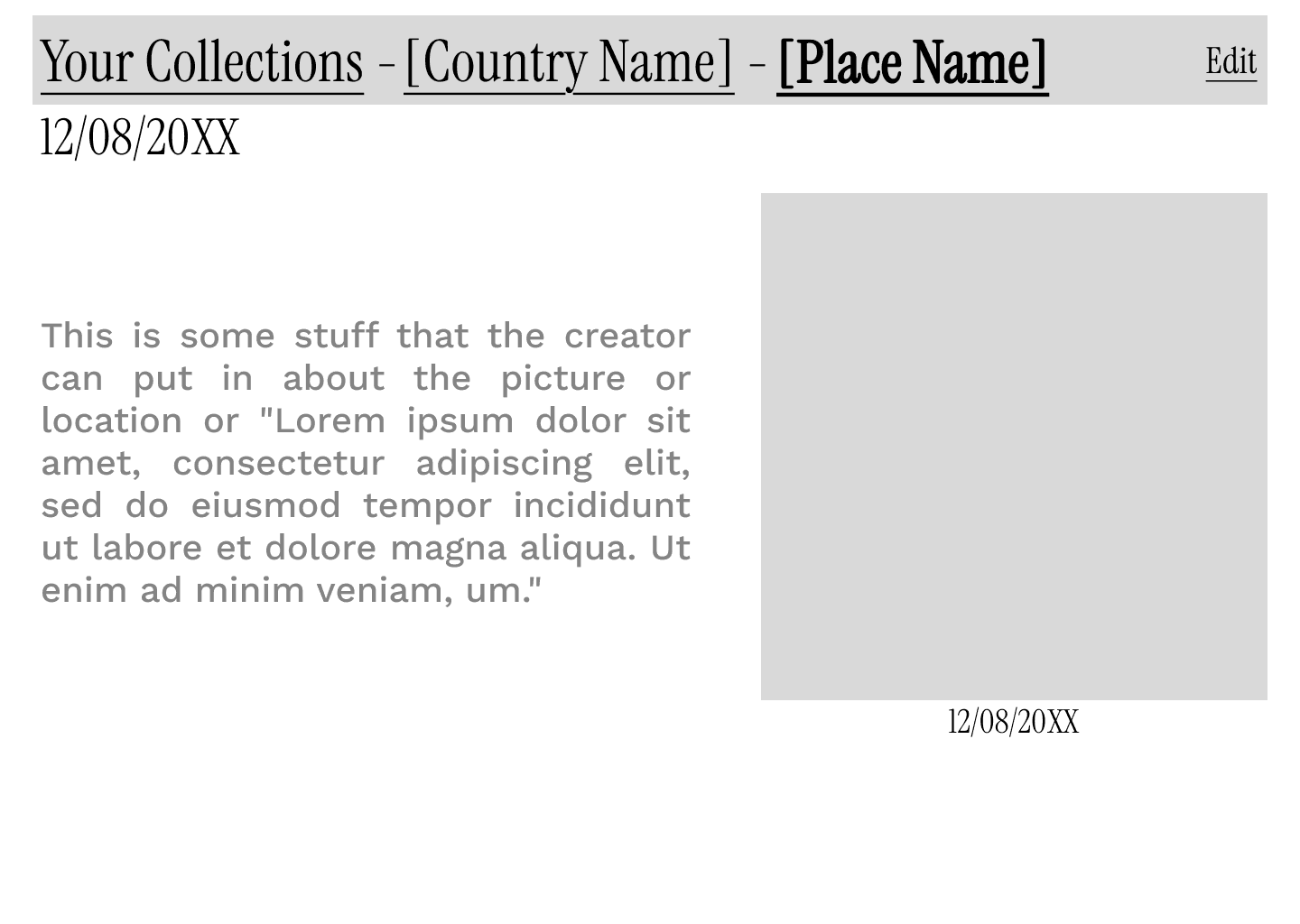
However, through usability testing with the primary user and other peers, the idea of this being a desktop app was quickly discarded. The probability that anybody would carry a desktop on their way to vacation itself was very low. Even if one were to assume they would do it afterward, if the user did not remember to do it, the app would be effectively useless. Porting photos from mobile to desktop too would be a task that requires more effort than the user may be willing to put in.
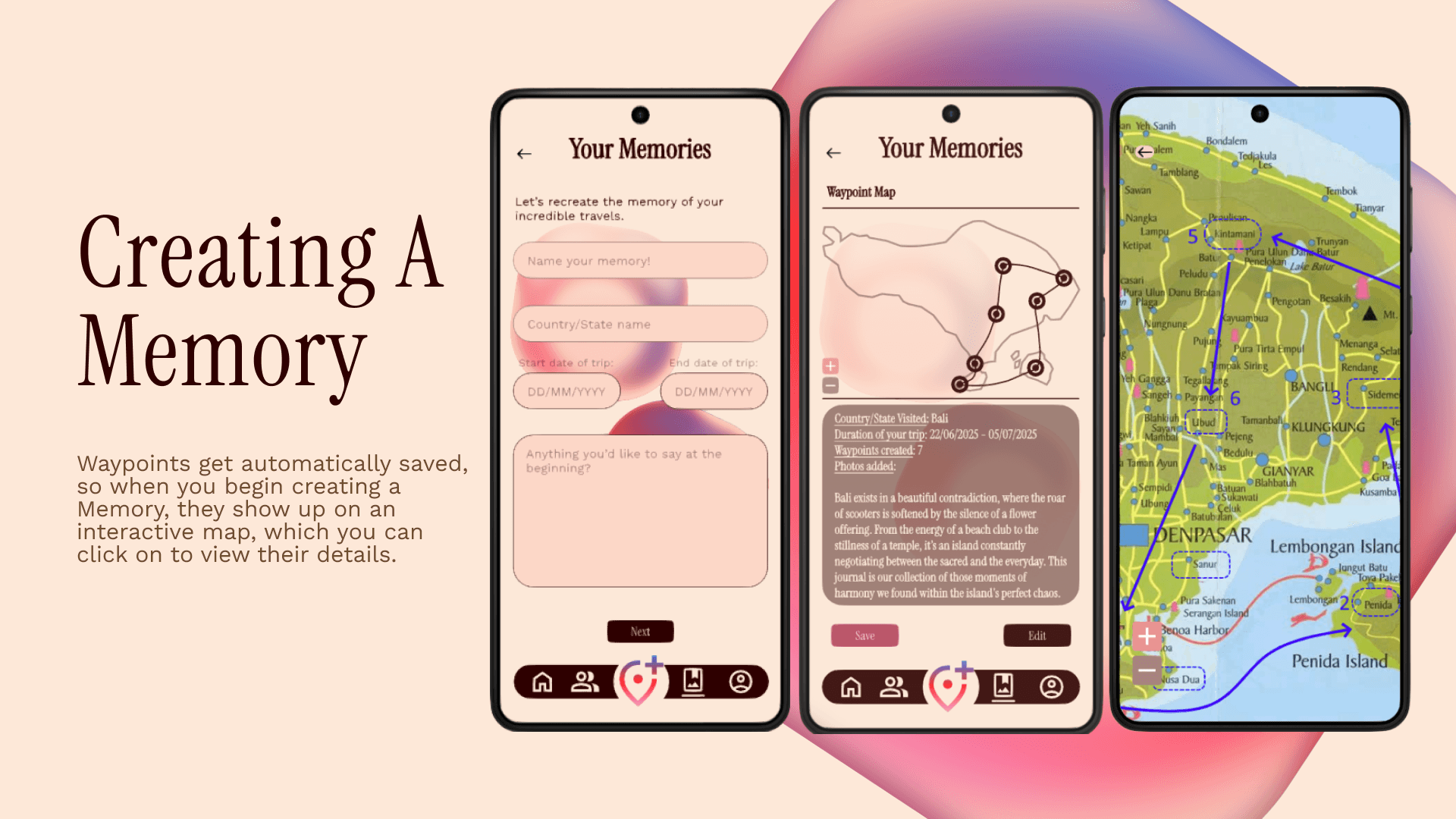
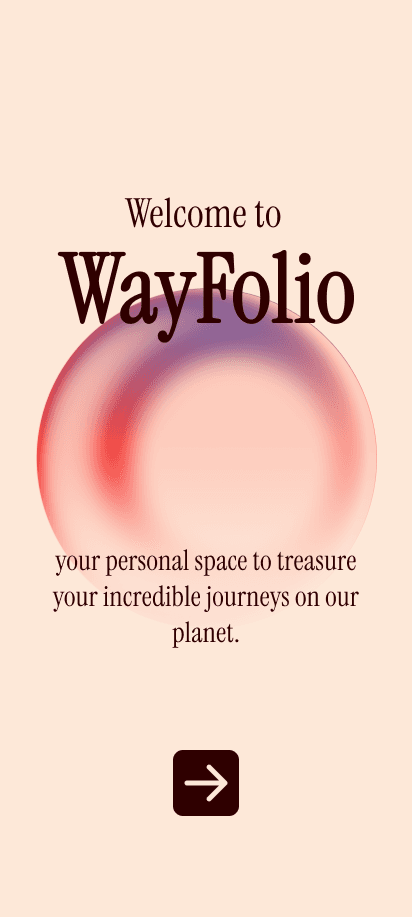
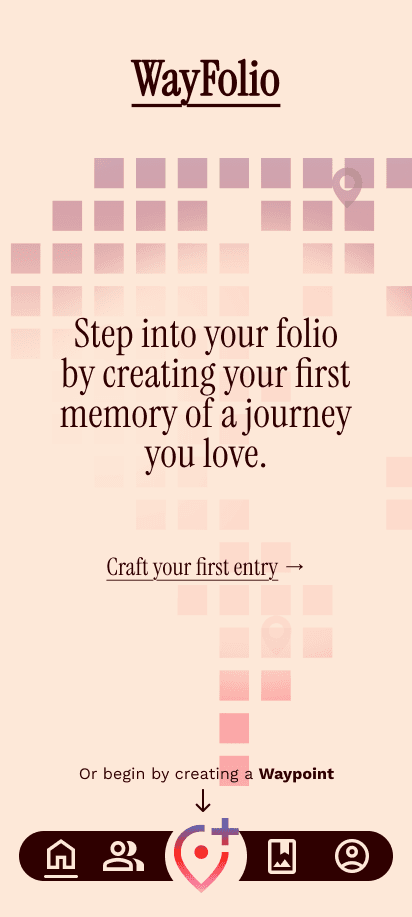
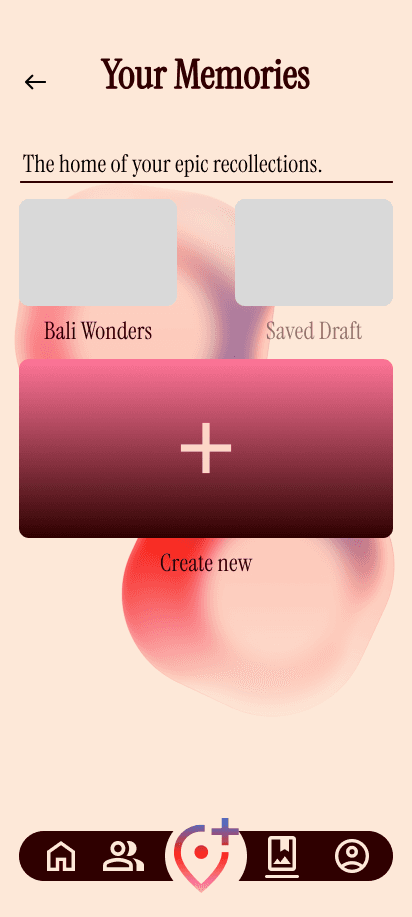
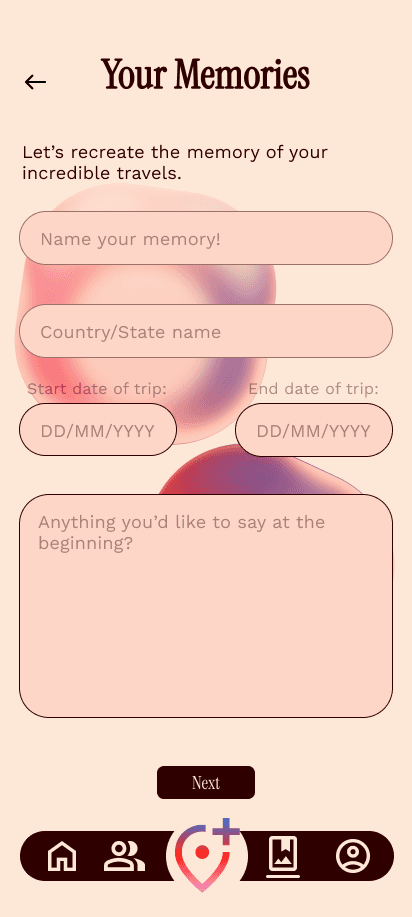
Therefore, I decided to switch to the mobile platform instead. It would be a much more portable option, allow for use of the app during the trip and allow for use of the app in low network regions. Thus, I translated the desktop wireframes onto a mobile screen, creating the high fidelity prototype:
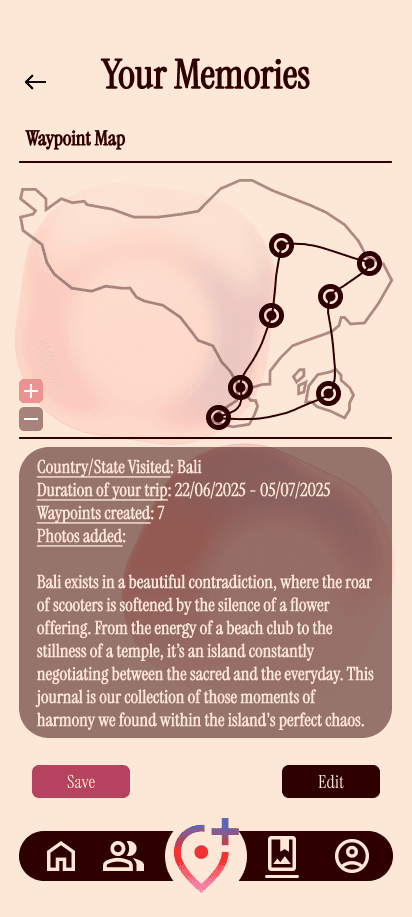
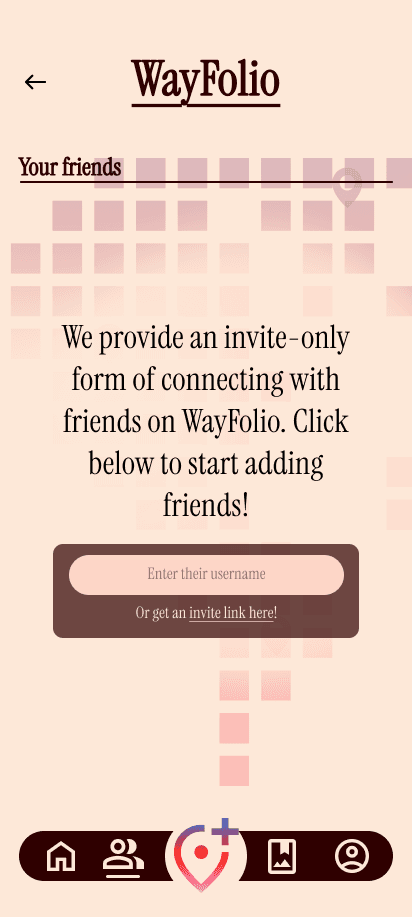
Use the following link to view the whole HIGH FIDELITY prototype:
06
REFLECTIONS
I look back at this project from a standpoint of having progressed beyond the level I was at when I worked on this project. Therefore, I am able to point out UX issues (such as giving 2 directions on the home screen to a new user instead of decisive guidance) and some inconsistencies in the UI for this application as the result of having a slightly more trained eye for it now. It does tell me that I have grown from that point on, but my learning journey is far from over. Since this project, I have strived to devote more time to user research and insights. I have also worked to pay more attention to UX in terms of visual, intellectual, mental and motor loads while operating apps, task flows, information architectures and the interface (UI).
This project taught me the basics of UX, and how to think while keeping the user at the center. It was my first time using frameworks for UX such as user journey maps, task flows, etc. By working with just one user and considering them as the base for designing the whole app, I gained a little exposure into working with personas, who are also used as one representative of a user segment when designing.
08
CONTACT_ME
Like what you see?